Rotation Control: Auto Rotate
CloudEx Inc.
Downloads
1,000,000+
Source
Google Play
Advertisement
Click to download now, finish the installation quickly, and directly unlock the all-round experience
Advertisement
Screenshots
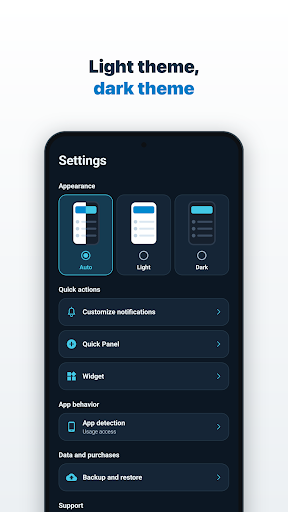
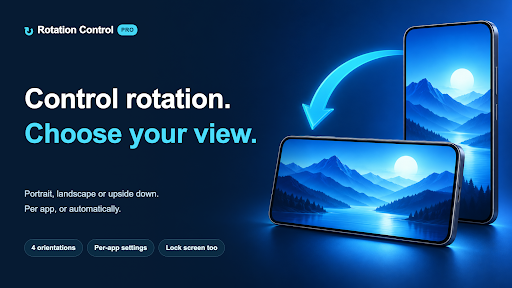
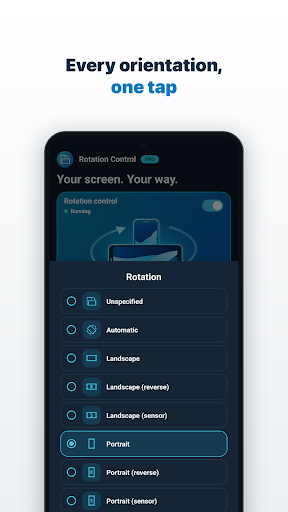
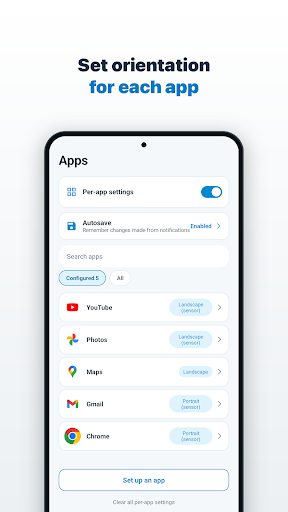
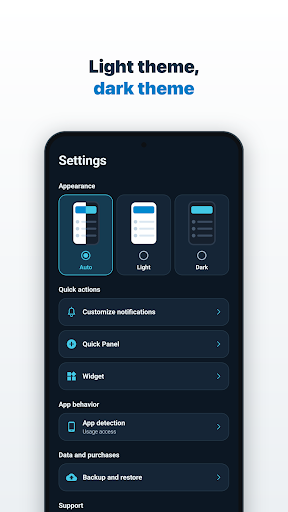
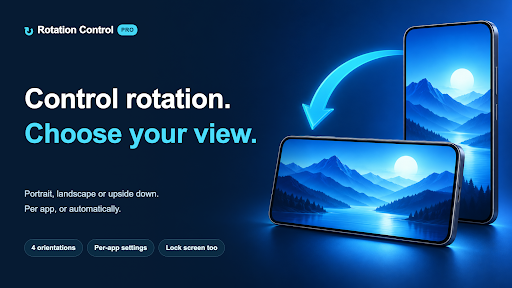
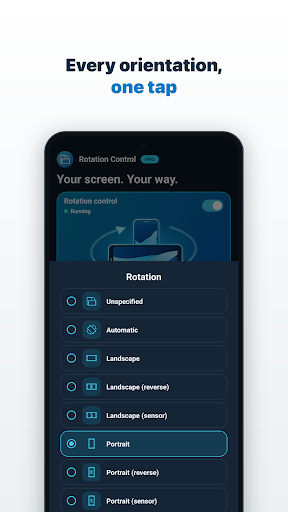
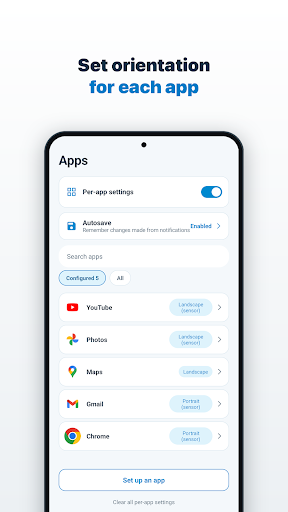
Click to download now, finish the installation quickly, and directly unlock the all-round experience
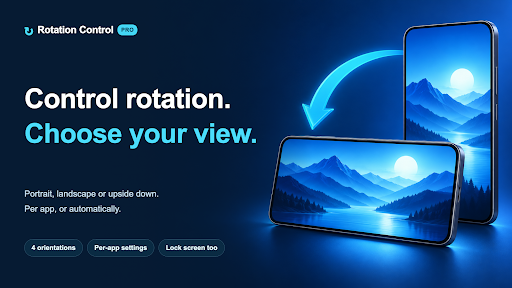
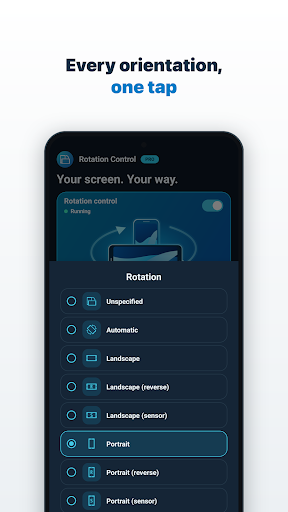
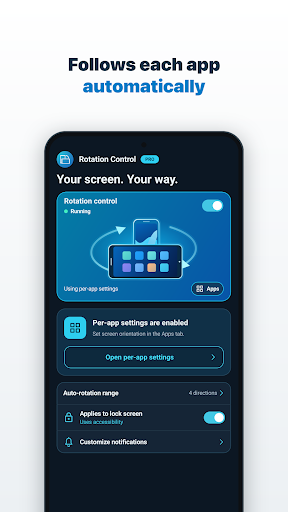
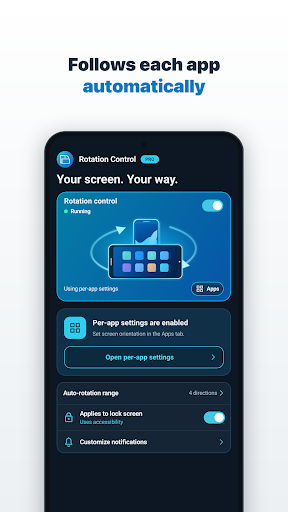
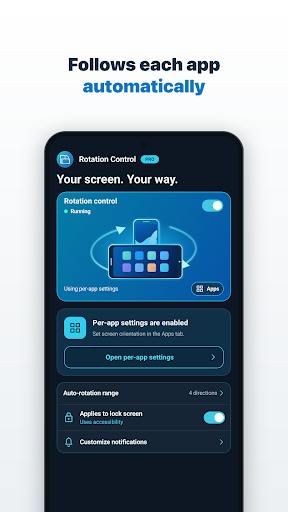
Rotation Control: Auto Rotate lets you choose how your Android screen is oriented, instead of relying only on each app’s default. Set a direction for the whole device, or use different directions for individual apps. It suits people who want, for example, a landscape home screen or a fixed-orientation app to open in another direction.
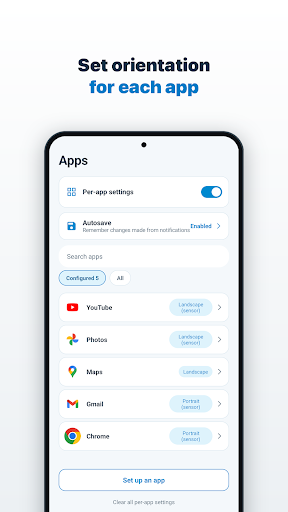
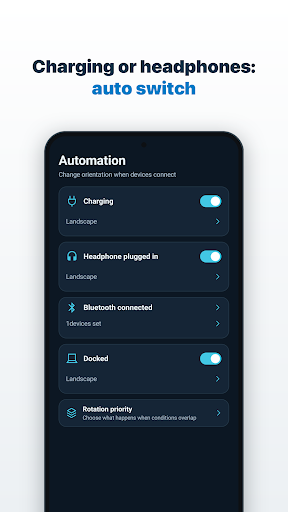
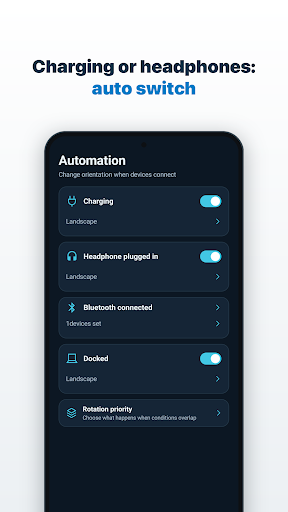
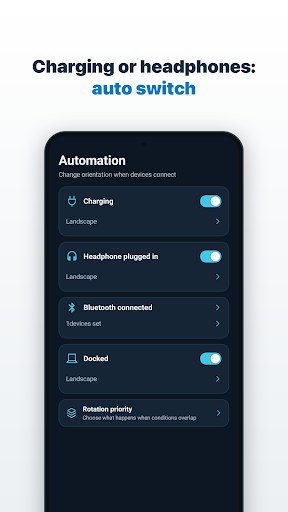
Per-app settings can be applied when an app opens and the previous orientation restored when it closes. The app can also change orientation when a supported device state begins, such as connecting power, headphones, Bluetooth or a dock, then return to the prior setting when that state ends. Priority options help decide which setting takes precedence if conditions overlap.
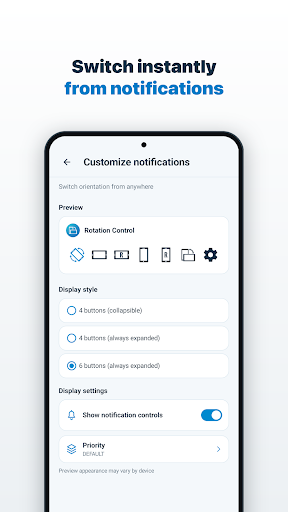
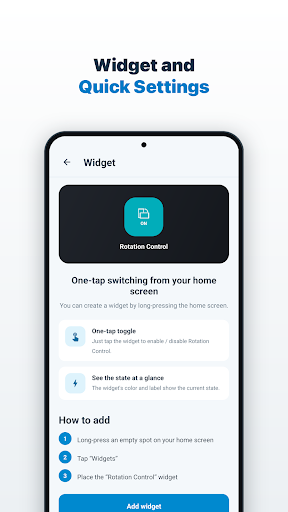
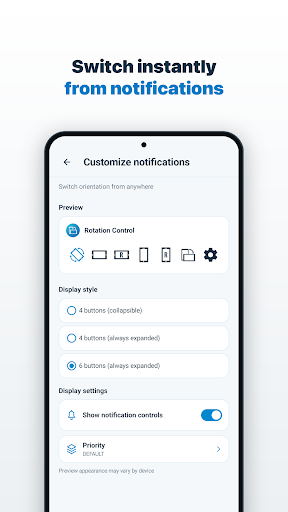
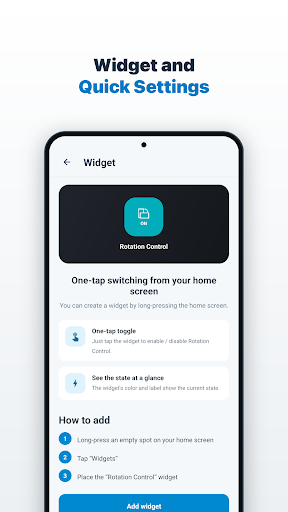
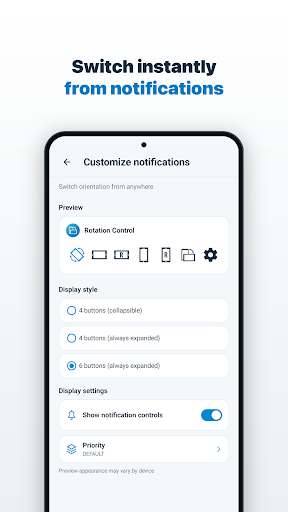
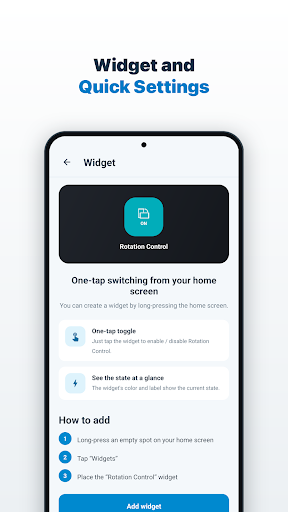
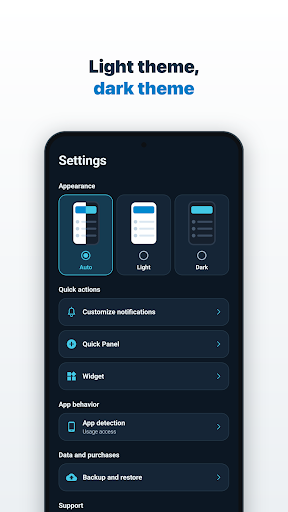
Use the notification bar, a Quick Settings tile or a home-screen widget to change orientation directly. The app also offers control over the lock screen, which requires accessibility permission. These controls are useful if you only need to change orientation occasionally; per-app rules suit a more automatic setup.
Rotation Control: Auto Rotate is a Personalization app from CloudEx Inc. It has a 3.97 rating from 15,922 ratings and more than 1,000,000 installs. If your main need is to manage screen direction across apps or device states, compare its controls with other rotation tools before choosing.